Built-in TTS: Chromebook
In my opinion, the Chromebook has a lot of shortcomings that make it unappealing and feel limiting. I was pleasantly surprised by the accessibility software and it’s versatility. Activating and using Text-to-Speech is very easy, it being simple to activate and use. It works on all forms of text that you can select, highlighting text as it reads it aloud. The reading speed is customisable and there are dozens of voices you can select with accents from all languages.
Some drawbacks I noticed are that the TTS software sometimes changes back to the default voice, and the cadence of the voice is fairly robotic. That potentially could make it difficult to understand; however, being able to adjust the reading speed can help with users’ comprehension.
TTS/STT: Google Docs
I initially had trouble activating and using both the text-to-speech and speech-to-text options, as i could not find them on my document. It took some searching but it turns out that Google Docs’ TTS and STT are only useable on a Chrome web browser; I have been testing accessibility software on my PC at home, which uses the Firefox browser.
For the TTS, a Chrome extension still needed to be installed and made useable with Google Docs, which I had some issue with as Docs wasn’t recognising the extension. When it works, it functions similarly to the built-in TTS on Chromebook, being that you select text and it is highlighted as it is read. There are options to adjust the reading speed of the voice, and you can download voices with varying accents. The voices are also fairly robotic, but the Google Docs extension offers AI voices that have a more natural cadence.
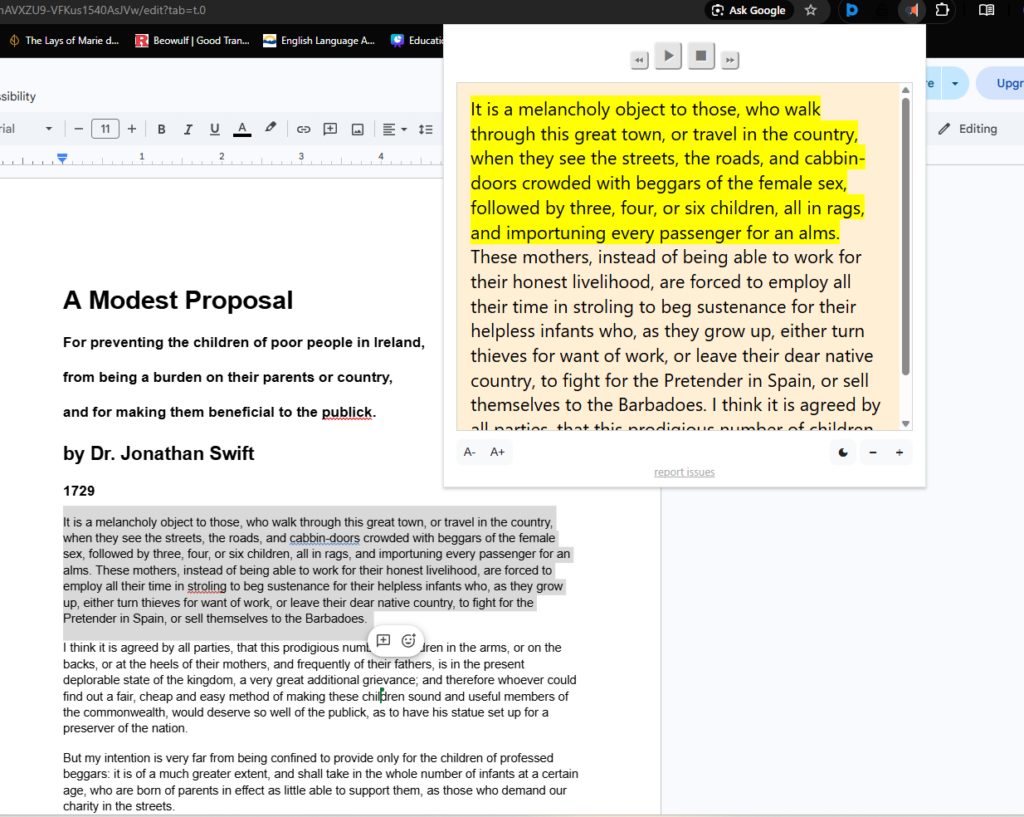
Google Docs’ speech-to-text is more readily useable, needing only that you are on the Chrome, Microsoft Edge, or Safari browser, with no extension needed. Activating it puts a microphone button that you can move around your document, activating STT with a click. The software recognises voice commands for punctuation, paragraph formatting, generating and modifying tables, and more.
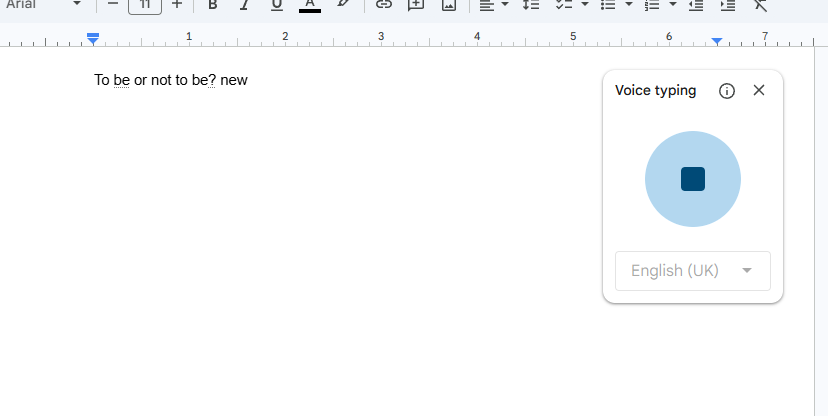
Some issues with the STT software is that it does not recognise some punctuation commands; the first one I found is that it does not input quotations or apostrophes, as well as parentheses, brackets, plus signs and equal signs, and likely more I haven’t found. Additionally, editing and removing mistakes is difficult and jarring as the command ‘delete’ will remove the previous word, but turns of the STT software so that you need to activate it again to continue.
Overall, the TTS and STT software in and associated with Google Docs is not the best, the largest negative being how it is web-browser dependent.